rs_align_disp_enh_coordsets_demo
Demonstrate display of datasets with offsets, rays, and other enhanced plotting options
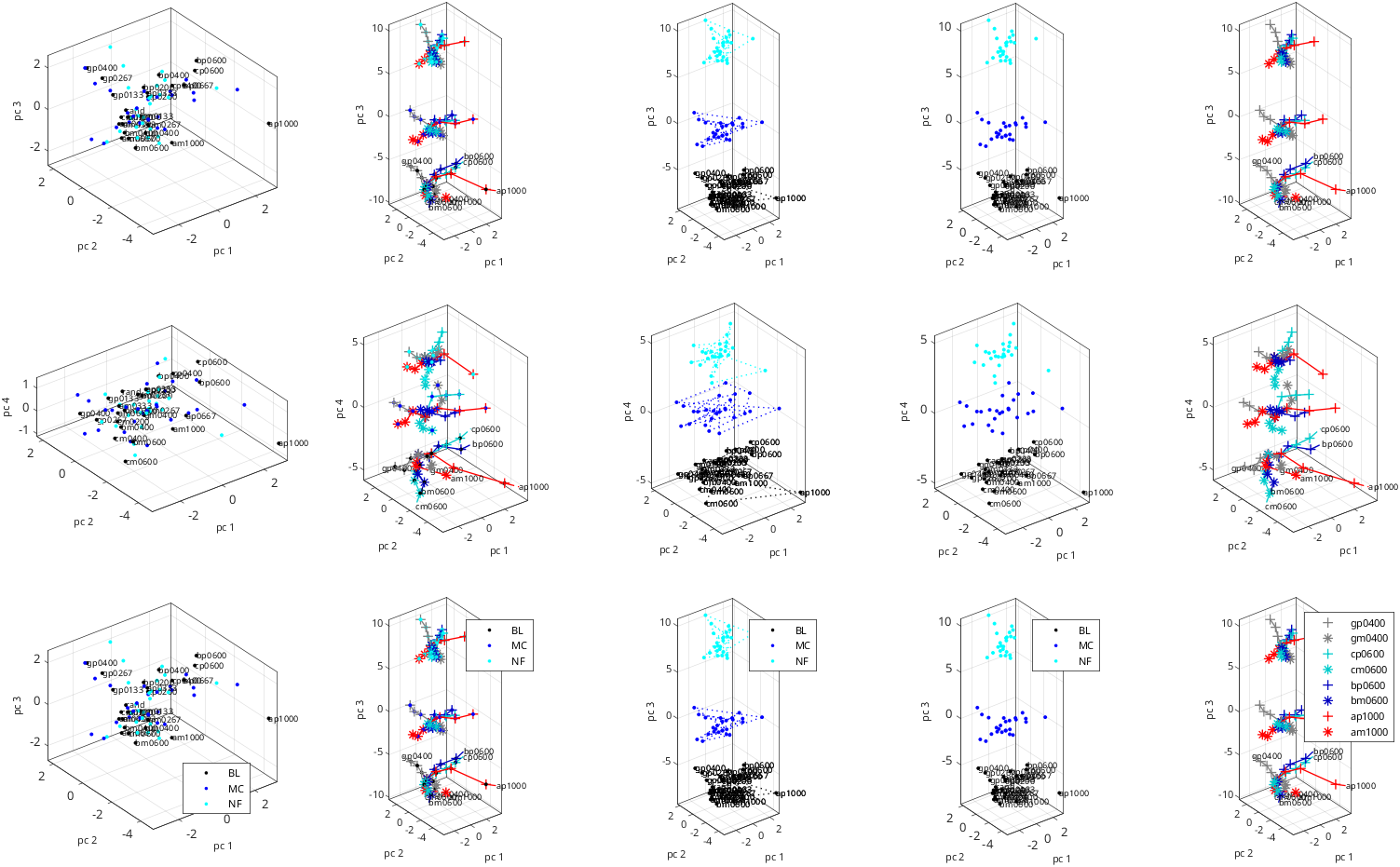
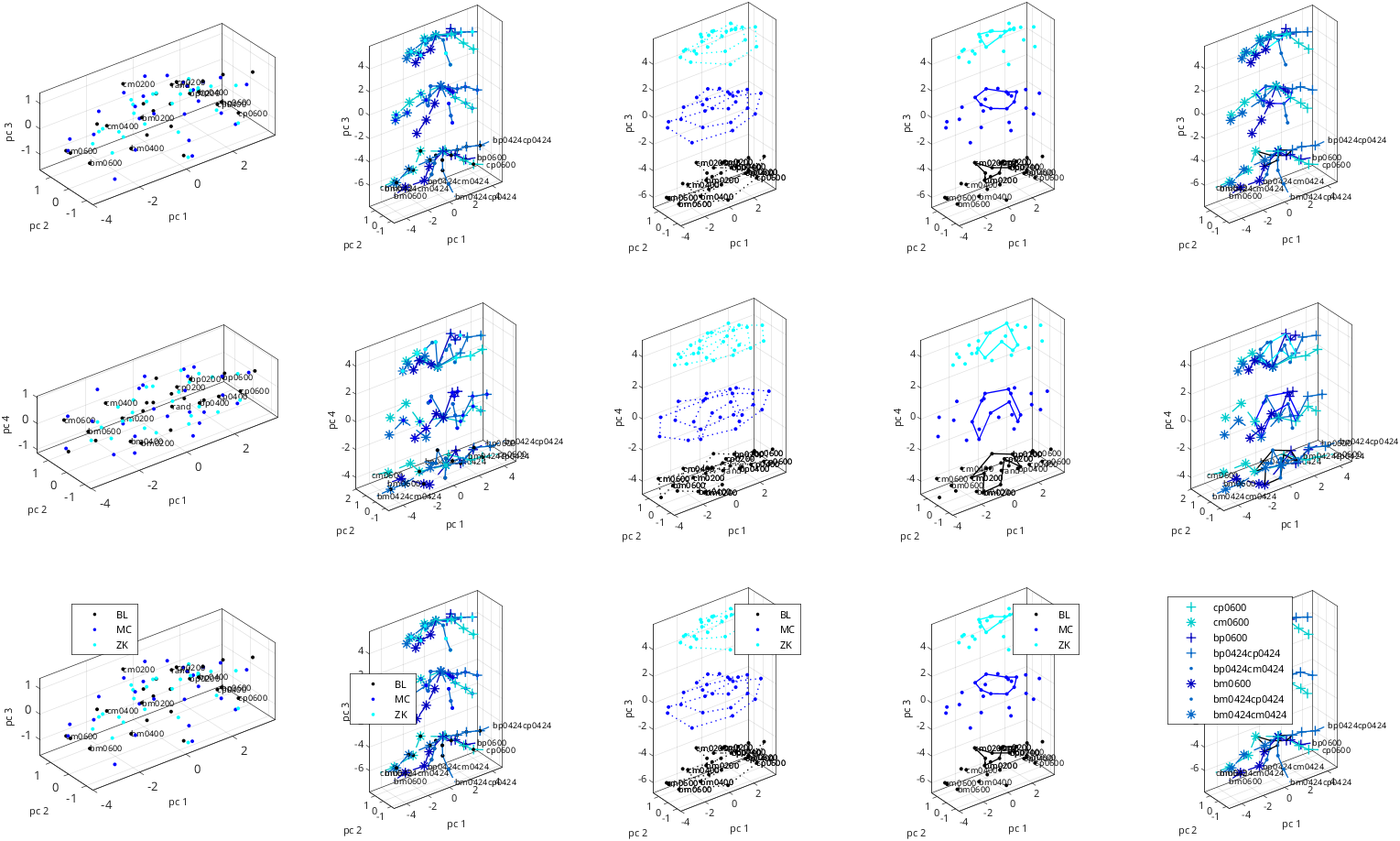
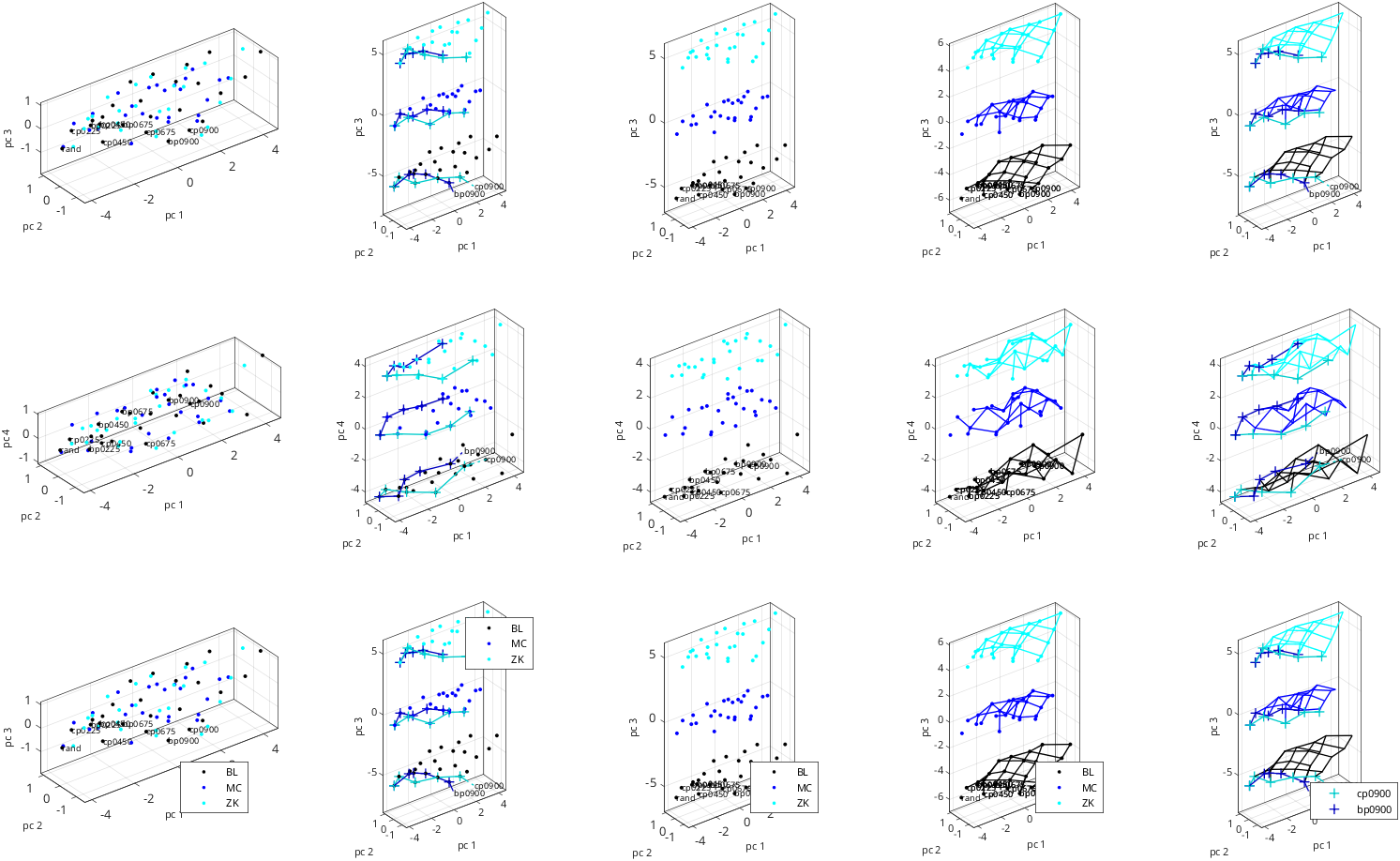
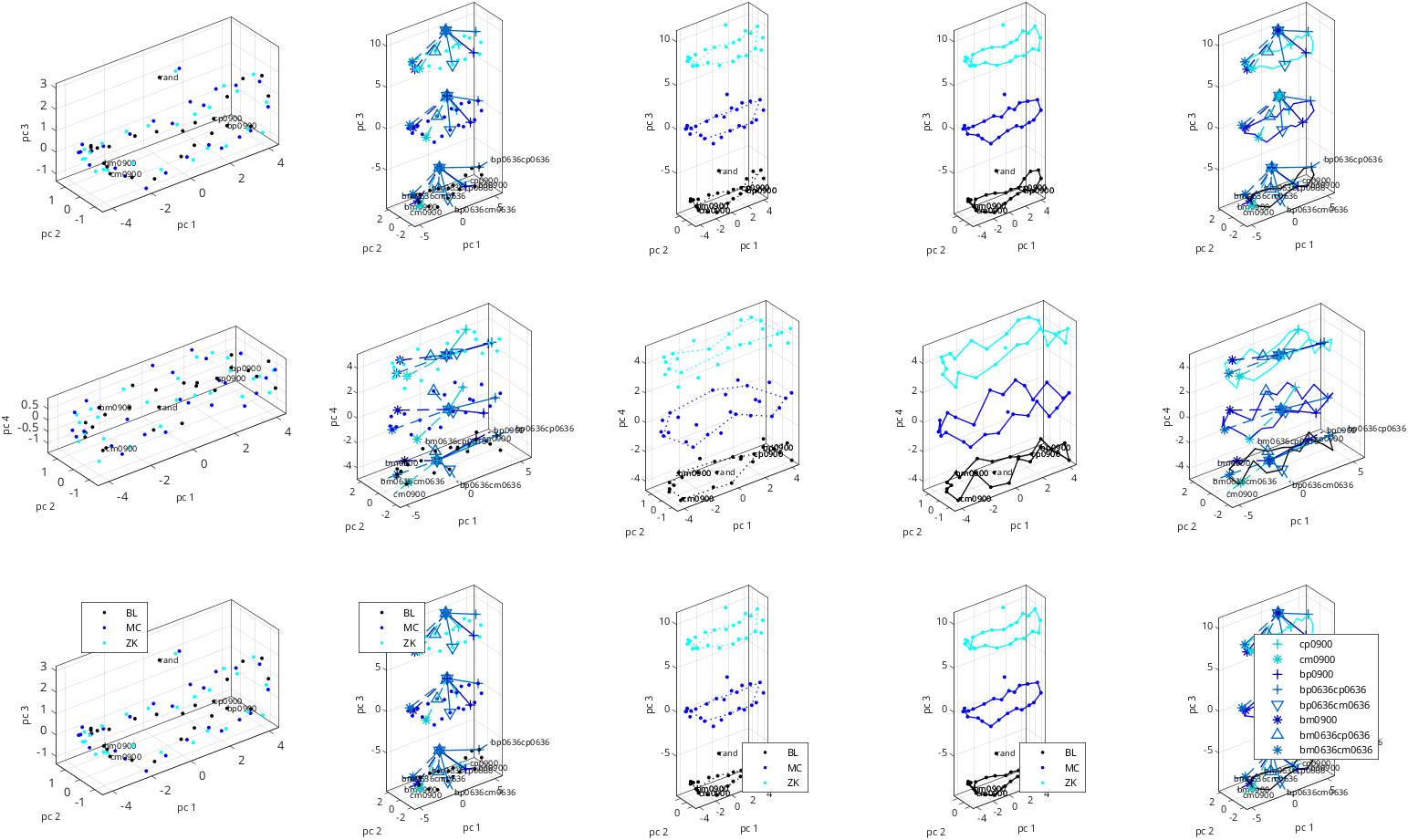
workflow_ read, align, and display coordinate sets plot options illustrated: choice of dimension and coordinates to plot several plots into same figure custom arrangement of subplots rotation of raw data coordinates into a consensus custom axis labels custom labeling of datasets based on subject ID and paradigm name custom selection of which points to label rays, rings, and nearest neighbor connections selection of data points to label based on length of stimulus name, and how this interacts with plotting rays extra panel with just legend custom plot size custom data label font size
Also illustrates: silencing logging for rs_[get|align|knit]_coordsets, rotation of consensus data into principal components via rs_knit_coordsets
Note: when using data from components, rays also need to be taken from components (as is done here)
See also: rs_disp_coordsets, rs_disp_enh_coordsets, psg_typenames2colors, rs_save_figs
%section to force btc defaults, even if rs_aux_defaults.mat has been created or modified
=struct;
={};
filename_paradigms{1}={};
filename_paradigms{2}={
};
filename_paradigms{3}={
};
filename_paradigms{4}={
};
=;
=4; %varieties of enhanced plots
=2; %number of coordinate groups ([1 2 3],[1 2 3]) from 'keeplow')
=6; %max length of a stimulus label
=; %standard plot in first column, enhanced plots in other columns
=;
=;
align data, rotate to consensus, and rotate consensus into pca coords
=auxs_force.opts_align;
=0;
[]=;
=auxs_force.opts_knit;
=0;
=1; %rotate to PCA
[]=;
=aux_knit.components;
=aux_knit.rayss{1};choose datapoints to label: only if stim name is <=6 chars
=[];
=data_disp.sas{1}.nstims;
=figure;
=auxs_force.opts_disp;
=hfig;
=;
='list';
=data_label_list;
=7;
='pc';
=4;
='keeplow';
=-1; %extra panel just for legend
aux_outs{ipara,1}=; =opts_disp;
=[];
='margin_fraction';
=;
='last';
%ienh
end %if_ok
end %iparaOutput:
 group 1:  3 files
 file 1:                   ./samples/bwtextures/bgca3pt_coords_BL_sess01_10.mat:   4 rays,   3 rings,   6 pairs
 file 2:                   ./samples/bwtextures/bgca3pt_coords_MC_sess01_10.mat:   4 rays,   3 rings,   6 pairs
 file 3:                   ./samples/bwtextures/bgca3pt_coords_NF_sess01_10.mat:   4 rays,   3 rings,   6 pairs
 group 2:  3 files
 file 1:                   ./samples/bwtextures/bcpm3pt_coords_BL_sess01_10.mat:   4 rays,   3 rings,   8 pairs
 file 2:                   ./samples/bwtextures/bcpm3pt_coords_MC_sess01_10.mat:   4 rays,   3 rings,   8 pairs
 file 3:                   ./samples/bwtextures/bcpm3pt_coords_ZK_sess01_10.mat:   4 rays,   3 rings,   8 pairs
 group 3:  3 files
 file 1:                 ./samples/bwtextures/bcpp55qpt_coords_BL_sess01_10.mat:   2 rays,   0 rings,  40 pairs
 file 2:                 ./samples/bwtextures/bcpp55qpt_coords_MC_sess01_10.mat:   2 rays,   0 rings,  40 pairs
 file 3:                 ./samples/bwtextures/bcpp55qpt_coords_ZK_sess01_10.mat:   2 rays,   0 rings,  40 pairs
 group 4:  3 files
 file 1:                  ./samples/bwtextures/bcpm24pt_coords_BL_sess01_10.mat:   4 rays,   1 rings,  24 pairs
 file 2:                  ./samples/bwtextures/bcpm24pt_coords_MC_sess01_10.mat:   4 rays,   1 rings,  24 pairs
 file 3:                  ./samples/bwtextures/bcpm24pt_coords_ZK_sess01_10.mat:   4 rays,   1 rings,  24 pairs